Ink Photoshop Brushes
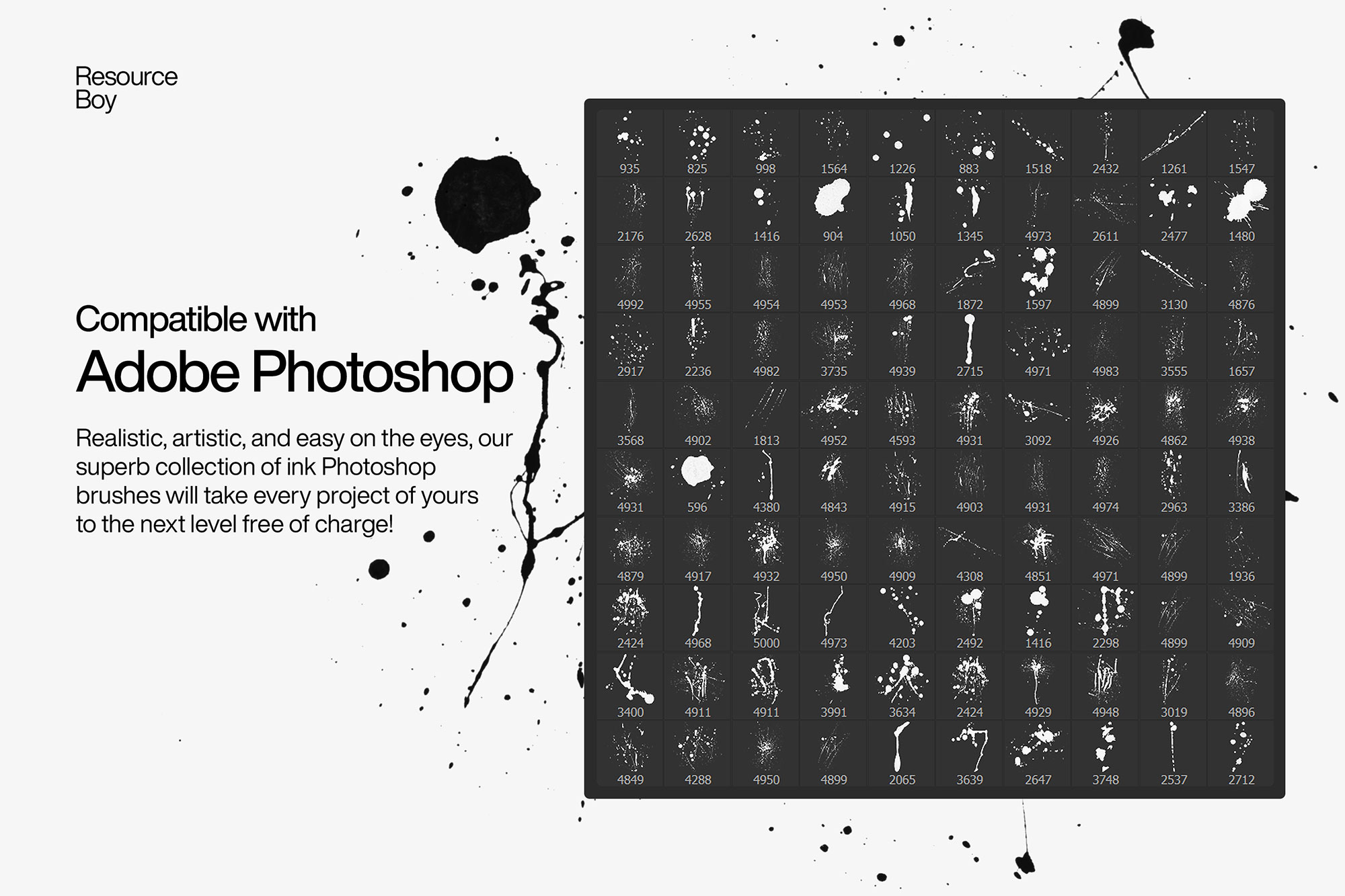
Japanese ink, calligraphy, and brush pen Photoshop brushes. Hand-drawn ink strokes and brush lettering effects.
Ink brushes in Photoshop simulate the beautiful variation in weight, flow, and texture of traditional ink tools — from fine quill pens and steel nibs to bamboo brushes and Japanese calligraphy tools. These brushes are essential for logo design with a handcrafted feel, tattoo flash design, brush lettering and typography, manga and comic illustration, Japanese-inspired fine art, and any project where organic line quality adds authenticity. The natural variation of ink brushes — thick to thin, wet to dry — makes every stroke feel genuinely hand-drawn in a way that vector tools simply cannot replicate.

About Ink Photoshop Brushes
Ink brushes in Photoshop simulate the beautiful variation in weight, flow, and texture of traditional ink tools — from fine quill pens and steel nibs to bamboo brushes and Japanese calligraphy tools. These brushes are essential for logo design with a handcrafted feel, tattoo flash design, brush lettering and typography, manga and comic illustration, Japanese-inspired fine art, and any project where organic line quality adds authenticity. The natural variation of ink brushes — thick to thin, wet to dry — makes every stroke feel genuinely hand-drawn in a way that vector tools simply cannot replicate.
Tips for Using Ink Photoshop Brushes
- Use pure black (#000000) for the most authentic ink look, or a very dark warm brown (#1a0a00) for aged manuscript effects
- Paint at 100% opacity for solid ink coverage, or 60–80% for a slightly diluted ink-wash feel
- Combine with Multiply blend mode over textured paper or parchment backgrounds for immediate depth
- For calligraphy and brush lettering, a drawing tablet is strongly recommended — pressure sensitivity transforms these brushes dramatically
- Layer multiple ink strokes on separate layers, varying opacity between layers, to build up the natural tonal variation of real ink