Watercolor Photoshop Brushes
Download free watercolor Photoshop brushes. High-quality watercolor paint textures for digital painting, artwork, and design in Photoshop.
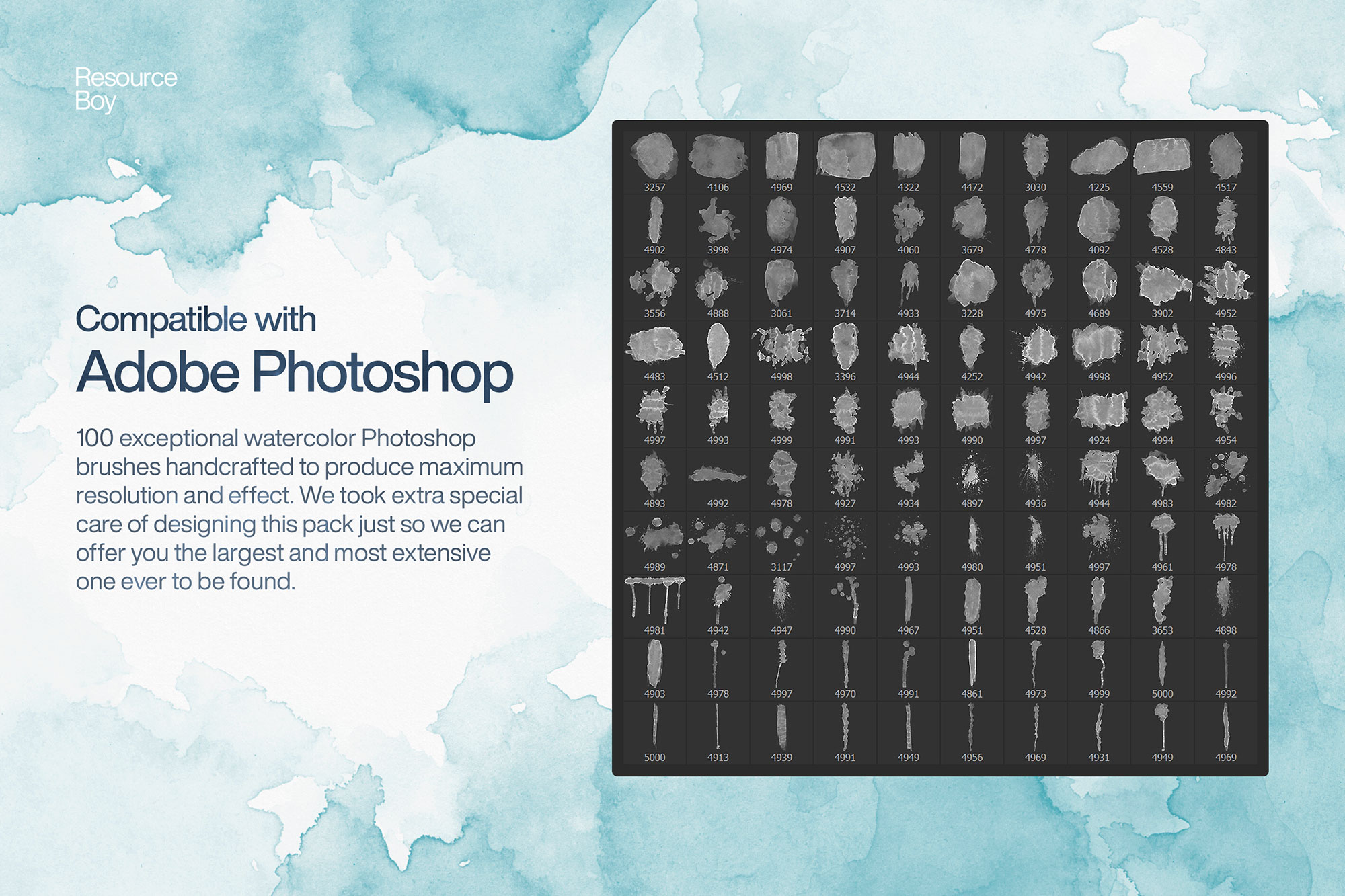
Watercolor brushes for Photoshop let you replicate the soft, flowing quality of real watercolor paint in a fully digital environment. These brushes simulate the natural bleeding, texture, and translucency of watercolor on paper — perfect for creating artwork that feels genuinely handmade. Whether you're designing wedding invitations, greeting cards, social media graphics, children's book illustrations, or fine art prints, watercolor brushes add warmth and organic character to any project. The best watercolor brush sets include edge variation, wet-on-wet blending effects, dry brush textures, and pigment granulation — all without touching a real paintbrush.

About Watercolor Photoshop Brushes
Watercolor brushes for Photoshop let you replicate the soft, flowing quality of real watercolor paint in a fully digital environment. These brushes simulate the natural bleeding, texture, and translucency of watercolor on paper — perfect for creating artwork that feels genuinely handmade. Whether you're designing wedding invitations, greeting cards, social media graphics, children's book illustrations, or fine art prints, watercolor brushes add warmth and organic character to any project. The best watercolor brush sets include edge variation, wet-on-wet blending effects, dry brush textures, and pigment granulation — all without touching a real paintbrush.
Tips for Using Watercolor Photoshop Brushes
- Paint on a separate layer set to Multiply blend mode — this makes light colors transparent, just like real watercolor washes
- Lower opacity to 20–40% and build up color with multiple strokes for more natural, layered results
- Combine with a paper texture overlay (Soft Light, 30%) for authentic watercolor paper depth
- Try warm off-white or cream backgrounds (#f9f5f0) instead of pure white for a traditional watercolor paper feel
- Use the Color Dynamics setting in Brush Settings to automatically vary hue and saturation between strokes