Fire & Flame Photoshop Brushes
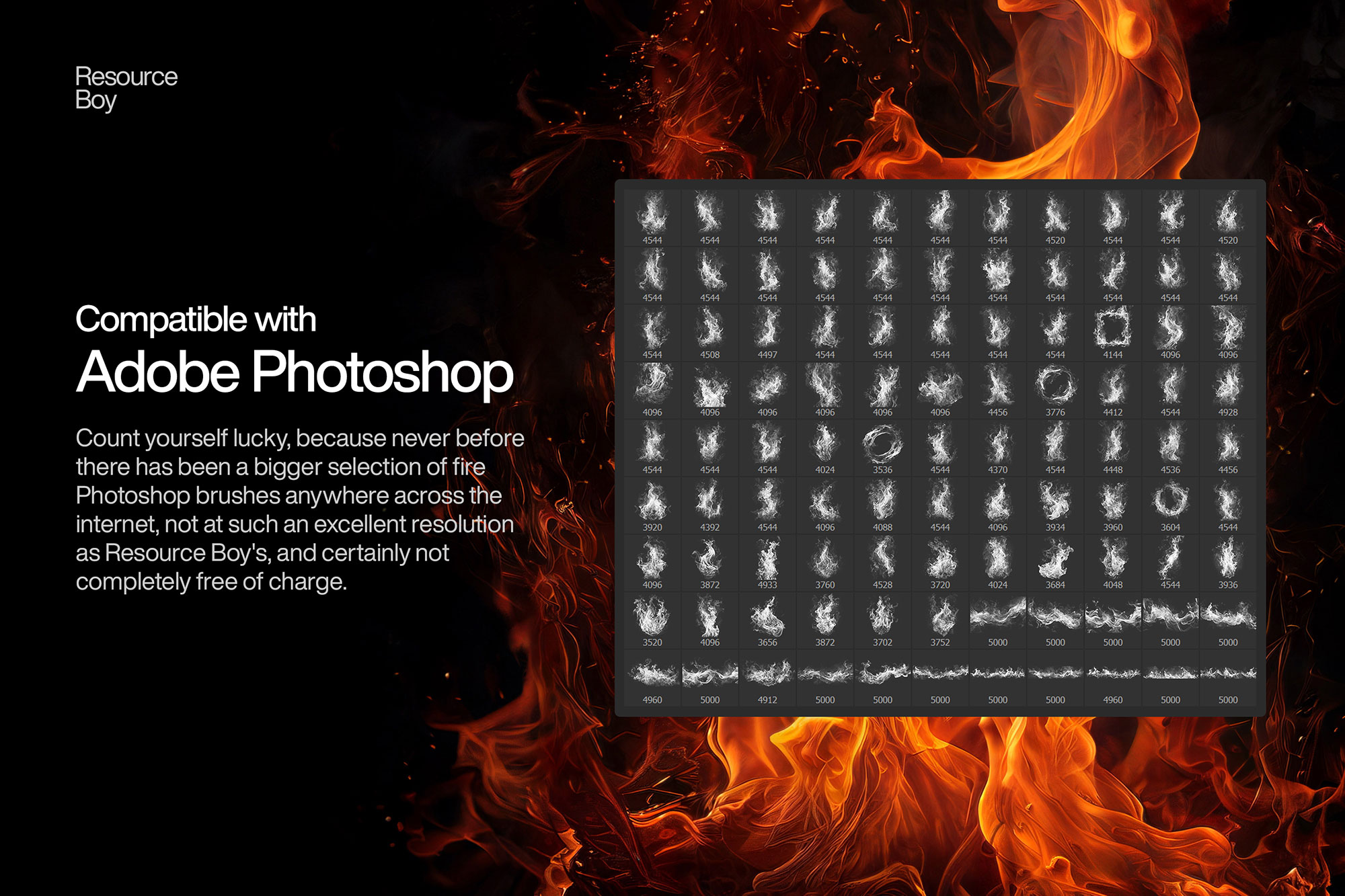
Free fire and flame Photoshop brushes. Realistic fire effects for dramatic photo compositing and digital painting in Photoshop.
Fire and flame brushes let you add explosive energy and dramatic heat effects to any Photoshop composition. These brushes range from delicate candle flickers and glowing embers to raging infernos and scorched edges — used across action movie poster design, fantasy illustration, sports graphics, album artwork, and creative photo manipulation. With the right blend mode, fire brushes integrate seamlessly into photographs, producing results that look like real fire was captured on set. The secret is that fire naturally emits light, which means it should always be painted in a blending mode that adds luminosity to the scene.

About Fire & Flame Photoshop Brushes
Fire and flame brushes let you add explosive energy and dramatic heat effects to any Photoshop composition. These brushes range from delicate candle flickers and glowing embers to raging infernos and scorched edges — used across action movie poster design, fantasy illustration, sports graphics, album artwork, and creative photo manipulation. With the right blend mode, fire brushes integrate seamlessly into photographs, producing results that look like real fire was captured on set. The secret is that fire naturally emits light, which means it should always be painted in a blending mode that adds luminosity to the scene.
Tips for Using Fire & Flame Photoshop Brushes
- Always use Screen or Add (Linear Dodge) blend mode — fire naturally brightens everything around it and never darkens
- Start with a dark or black background layer for fire to look most realistic and luminous
- Add a Color Balance or Gradient Map adjustment clipped to the fire layer to shift from natural orange to stylized blue, purple, or green flame
- Layer multiple fire brushes at different sizes and opacities — small embers behind, large flames in front
- Add a soft orange/red outer glow (Layer Style > Outer Glow) to fire layers to simulate the way real fire illuminates surrounding surfaces