Smoke Photoshop Brushes
Free smoke Photoshop brushes. Realistic smoke, fog, and mist effects for photo manipulation and digital art compositions.
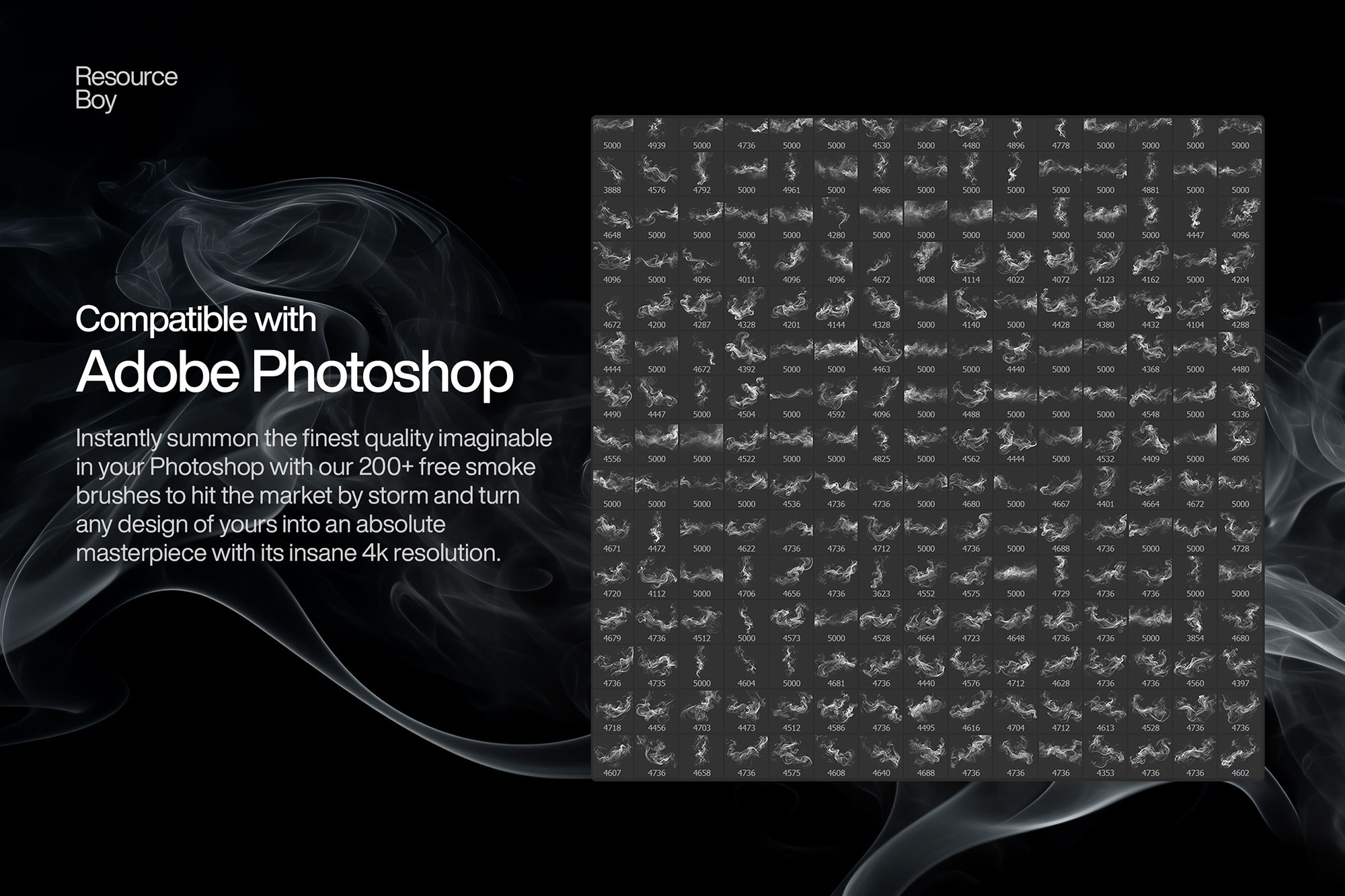
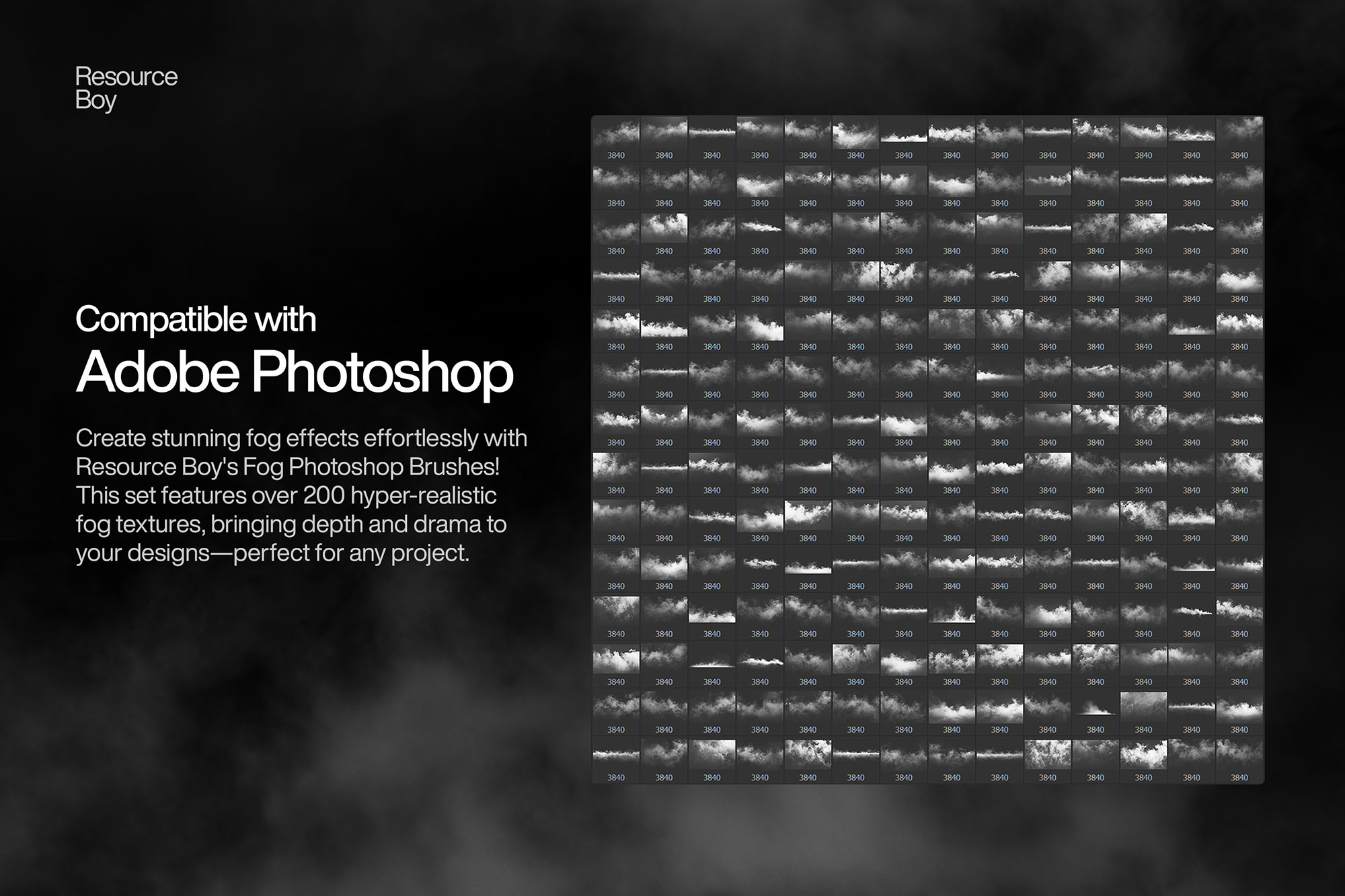
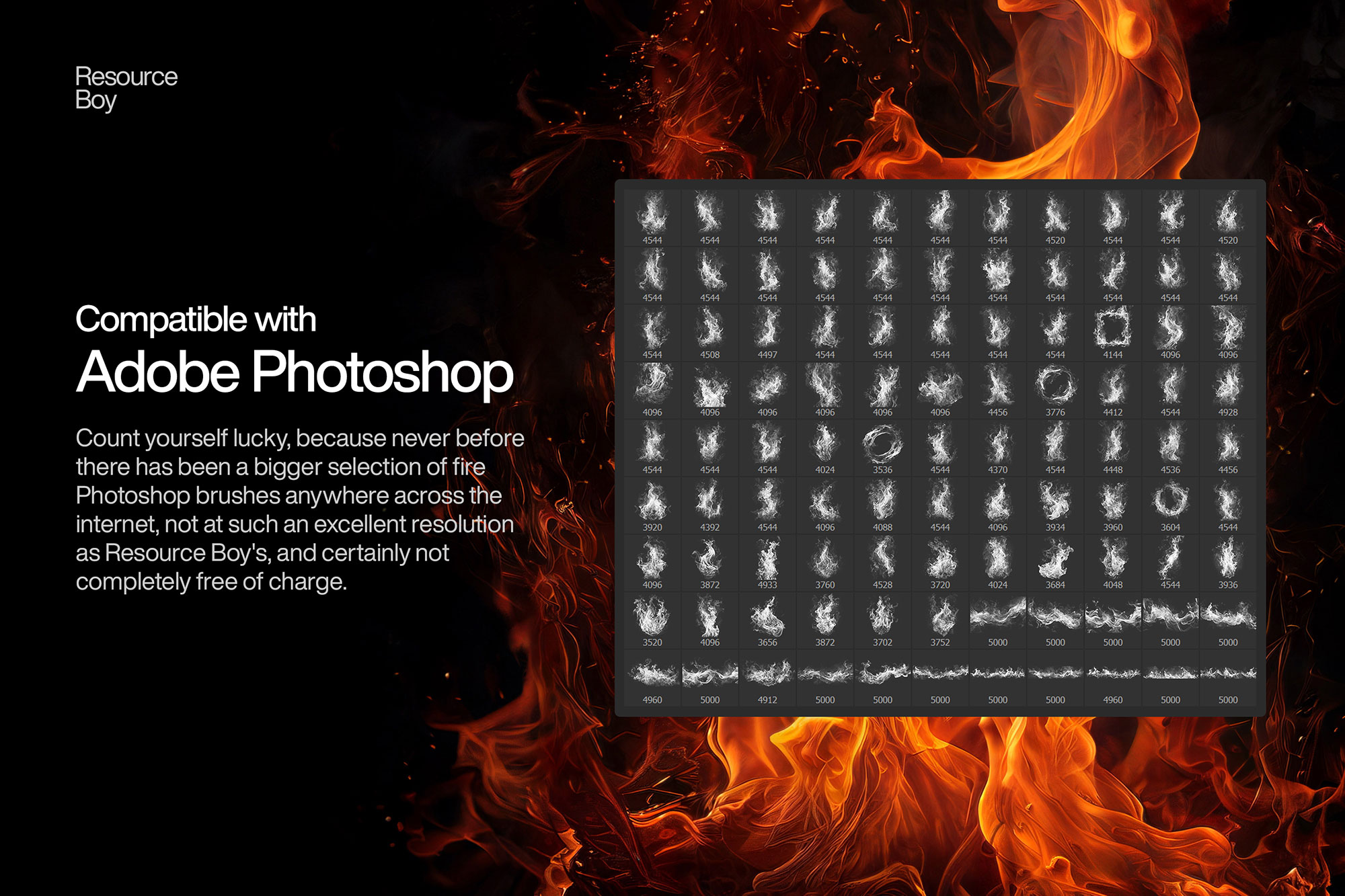
Smoke and fog brushes create dramatic atmospheric effects that instantly elevate photo compositing and digital art. These brushes simulate the wispy, unpredictable movement of smoke, steam, mist, and fog — adding mystery, depth, and cinematic mood to any composition. They are widely used in fantasy and dark art, moody portrait photography, product shot backgrounds, concert and event graphics, and motion picture poster design. The key to believable smoke effects lies in layering multiple brush strokes at low opacity, rotating freely between strokes, and using the right blend mode to let the smoke integrate naturally with whatever is behind it.

About Smoke Photoshop Brushes
Smoke and fog brushes create dramatic atmospheric effects that instantly elevate photo compositing and digital art. These brushes simulate the wispy, unpredictable movement of smoke, steam, mist, and fog — adding mystery, depth, and cinematic mood to any composition. They are widely used in fantasy and dark art, moody portrait photography, product shot backgrounds, concert and event graphics, and motion picture poster design. The key to believable smoke effects lies in layering multiple brush strokes at low opacity, rotating freely between strokes, and using the right blend mode to let the smoke integrate naturally with whatever is behind it.
Tips for Using Smoke Photoshop Brushes
- Work on a dark or black background — smoke and fog brushes are most visible against dark values
- Use Screen or Add (Linear Dodge) blend mode so smoke naturally brightens and integrates with the image below
- Paint smoke in pure white or light grey, then colorize with Color Balance or Hue/Saturation for dramatic tones
- Make multiple passes at 15–30% opacity, rotating the brush between each stroke for organic, non-repetitive smoke
- Blur individual smoke layers slightly (Gaussian Blur 2–5px) to blend them together and create atmospheric depth