Splatter & Spray Photoshop Brushes
Free paint splatter and spray Photoshop brushes. Ink splatter, paint spray, and grunge spatter brush sets for Photoshop.
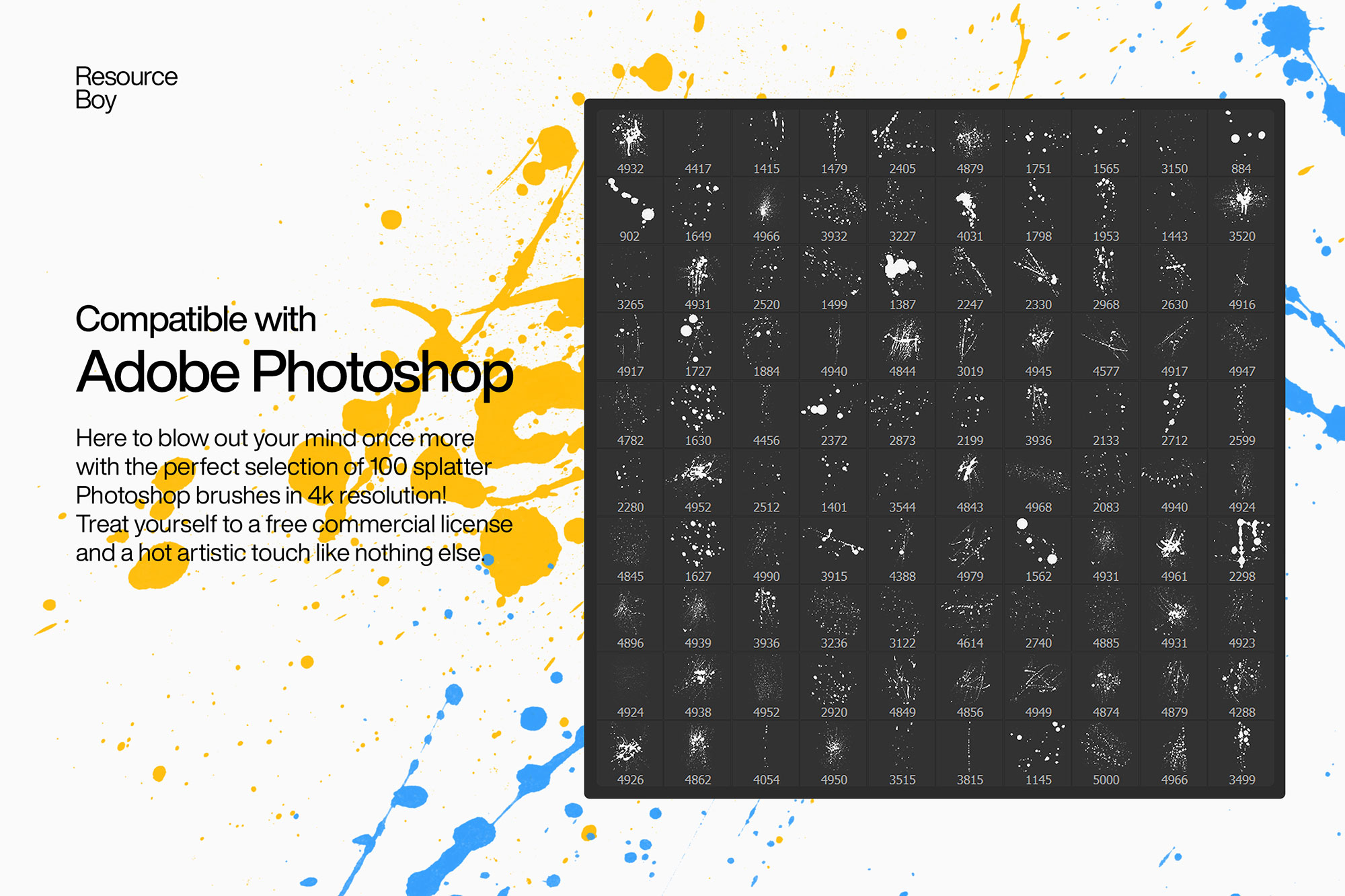
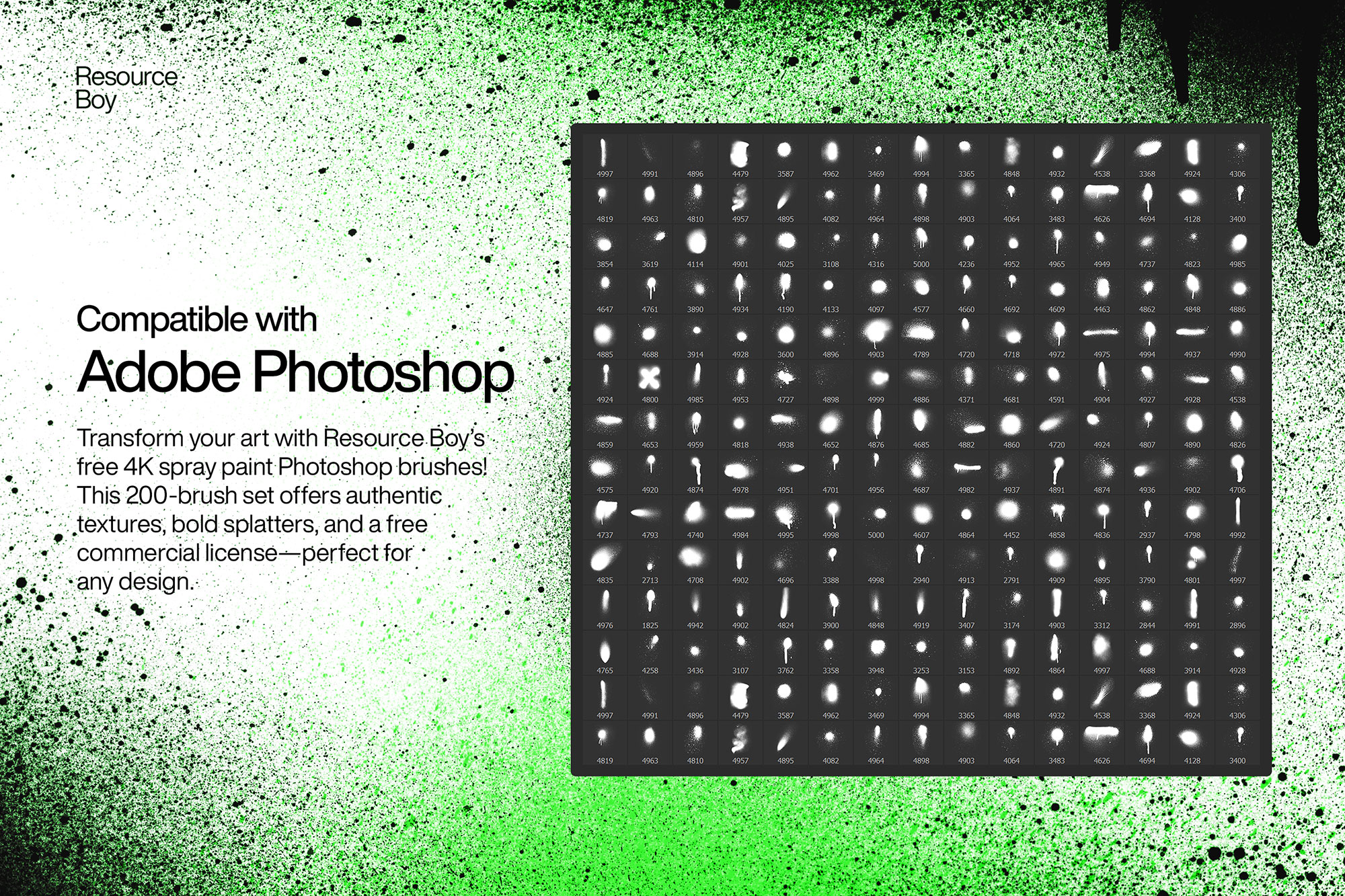
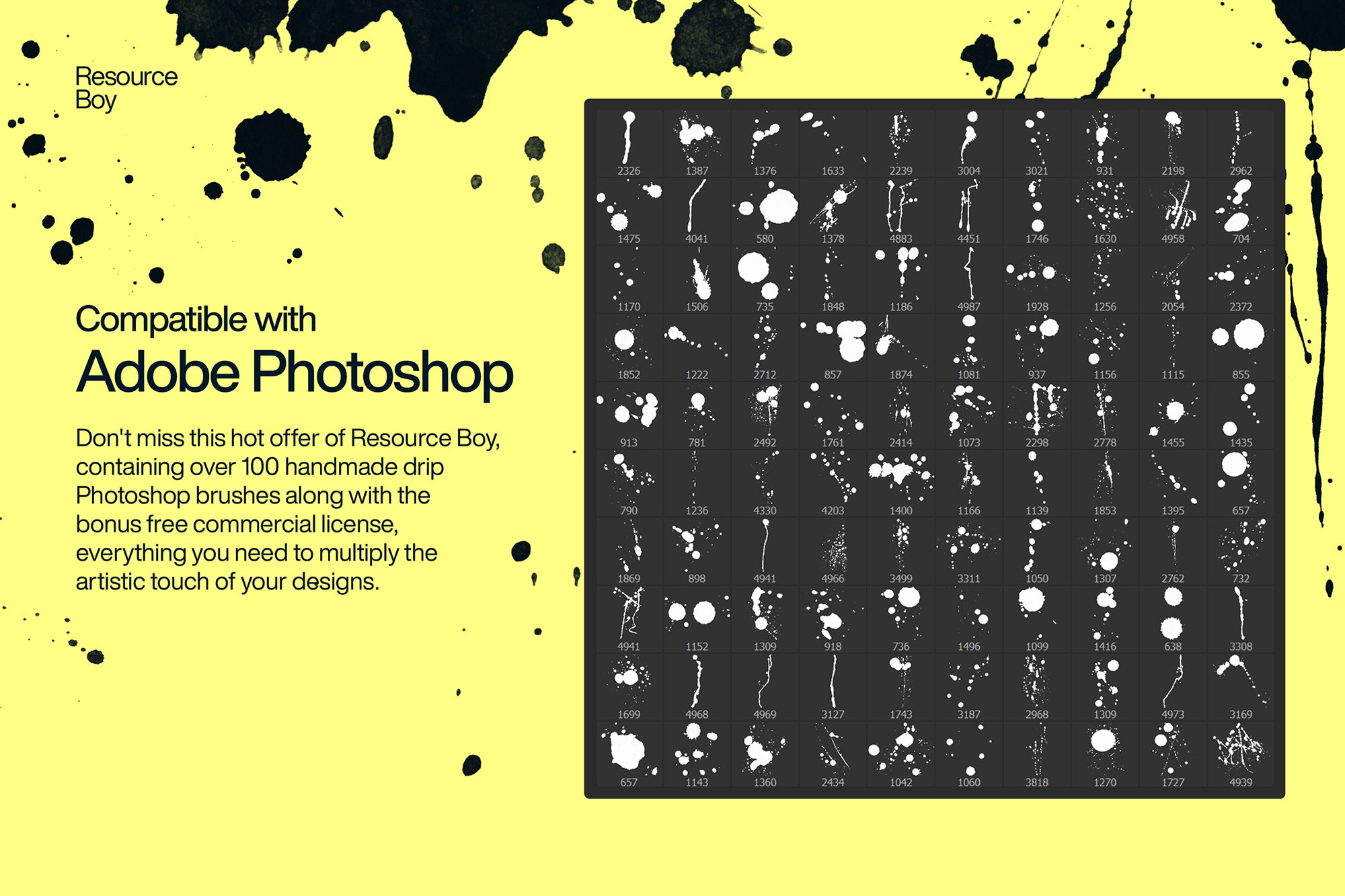
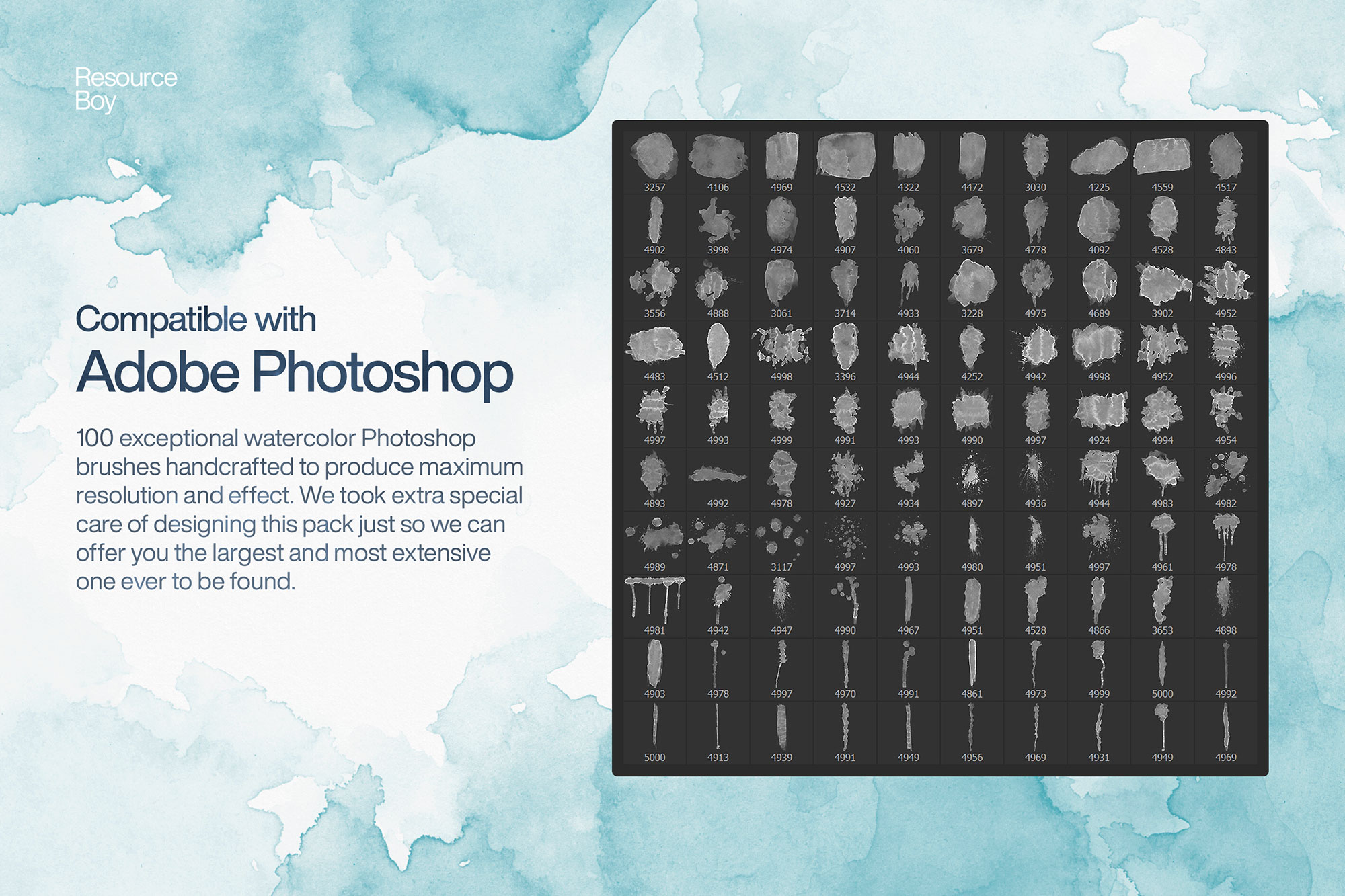
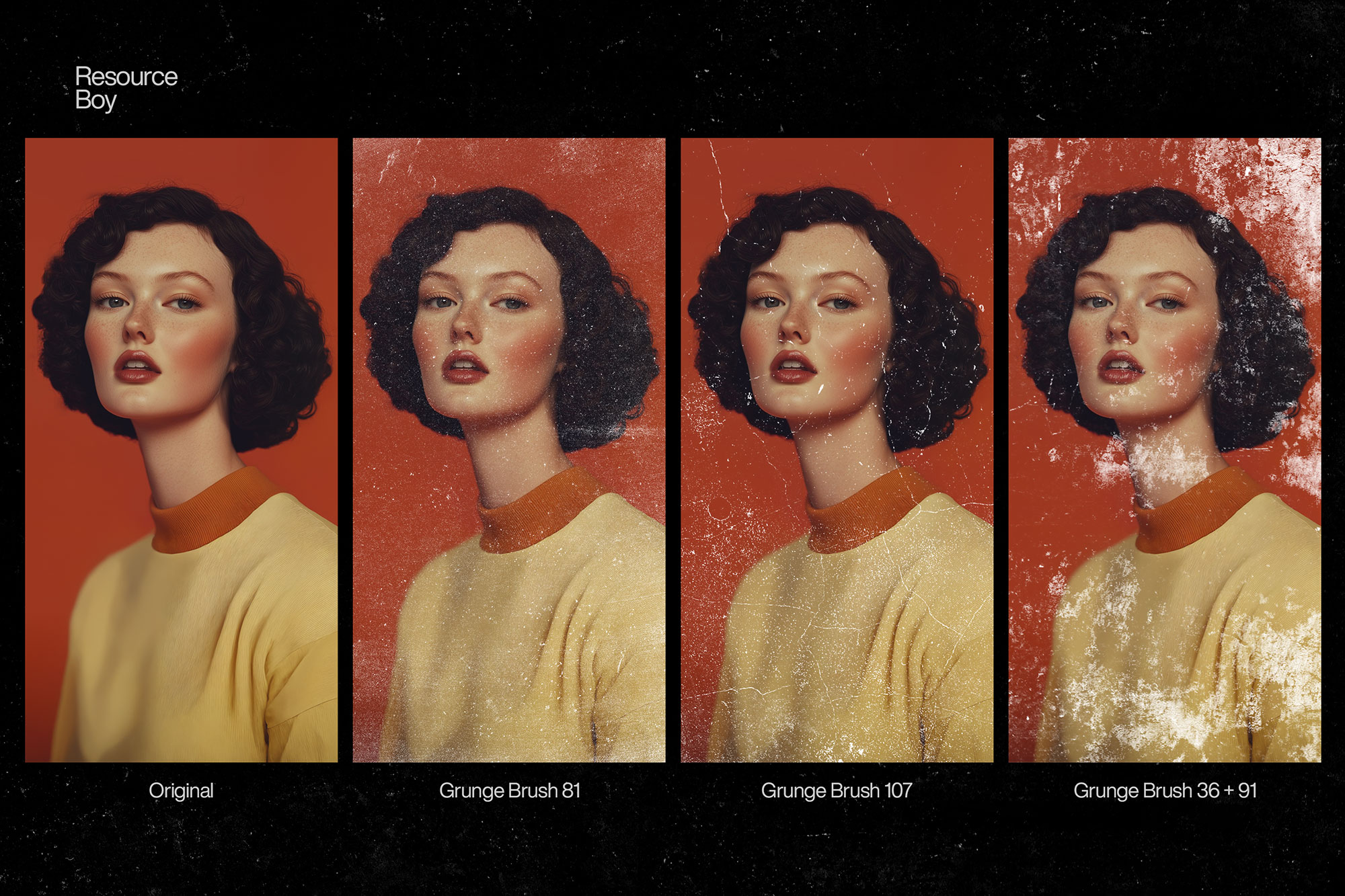
Paint splatter and ink spray brushes inject raw energy and spontaneity into Photoshop designs. These brushes mimic the chaotic beauty of thrown paint, ink drops, spray can mist, and liquid spatter — giving designs an urban, handmade, or punk-influenced aesthetic. Splatter brushes are hugely popular for T-shirt designs, music festival posters, skateboard deck art, editorial magazine layouts, and social media content that needs visual excitement and movement. They work equally well as bold focal elements and as subtle background texture, depending on scale and opacity.
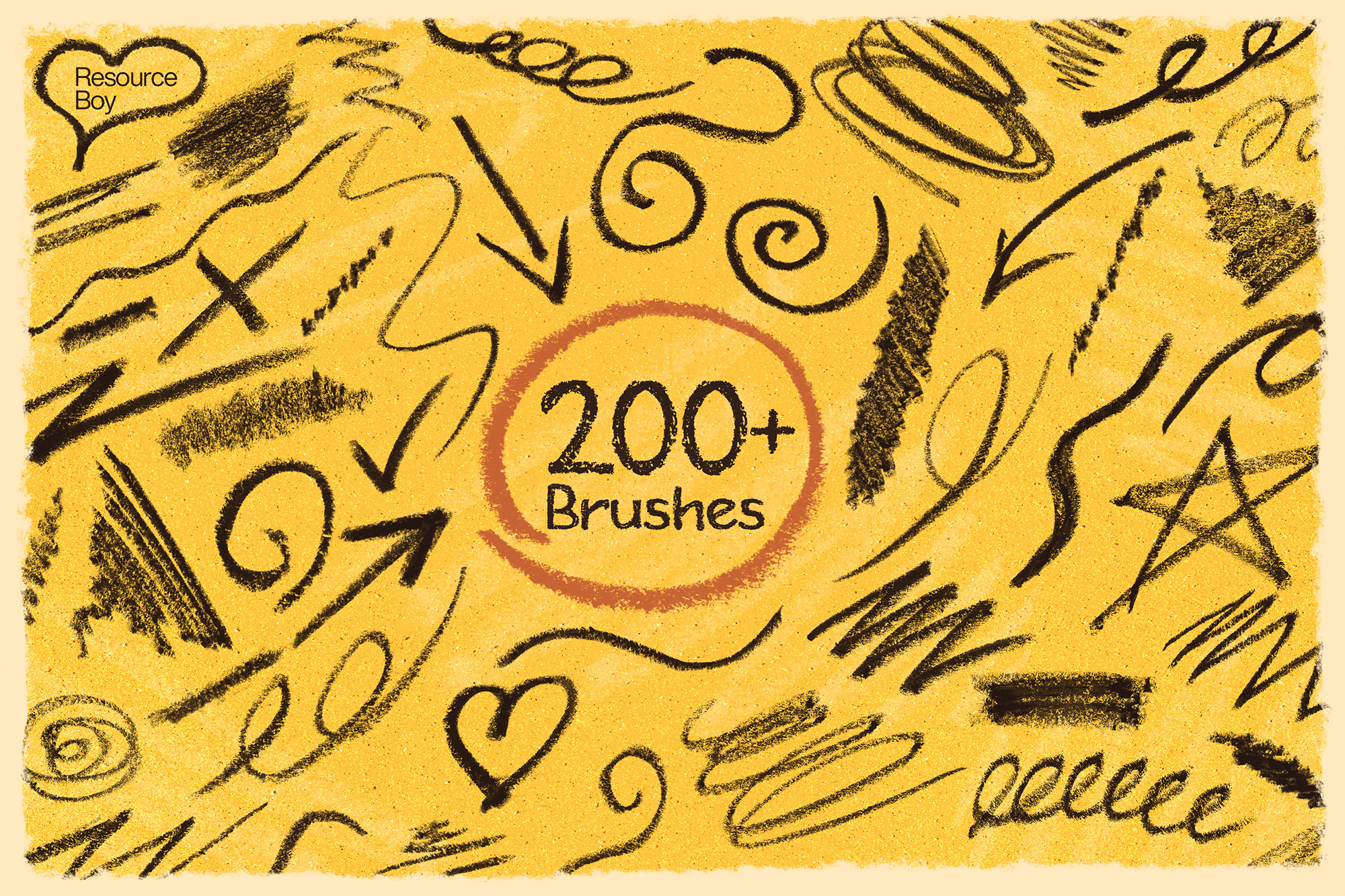
About Splatter & Spray Photoshop Brushes
Paint splatter and ink spray brushes inject raw energy and spontaneity into Photoshop designs. These brushes mimic the chaotic beauty of thrown paint, ink drops, spray can mist, and liquid spatter — giving designs an urban, handmade, or punk-influenced aesthetic. Splatter brushes are hugely popular for T-shirt designs, music festival posters, skateboard deck art, editorial magazine layouts, and social media content that needs visual excitement and movement. They work equally well as bold focal elements and as subtle background texture, depending on scale and opacity.
Tips for Using Splatter & Spray Photoshop Brushes
- Rotate splatter brushes randomly for each stroke — use the Angle setting or manually rotate to avoid repetition
- Work at large brush sizes — most splatter effects look best when scaled big, from 500px to 2500px
- Use Multiply mode on light backgrounds, or Screen mode on dark backgrounds for natural integration
- Layer 3–4 different splatter brushes at varying sizes and opacities for a complex, multi-layered splatter effect
- Try white splatter on colored backgrounds for a bleach-spatter look popular in streetwear design